Manual processes were causing 85% of hiring errors
The GTA hiring process touched 7 different tools: email, spreadsheets, Word documents, a shared drive, DocuSign, HR portals, and a homegrown tracking sheet. Administrative staff entered the same applicant data 4-5 times per hire. Each transfer introduced errors. Applications got lost. Faculty had no way to check status without emailing someone.
I was asked to redesign the process end-to-end, with one constraint: faculty still needed flexibility to make nuanced hiring decisions. Full automation wasn't the goal. Eliminating unnecessary manual work was.
"I used to spend half my week just copying data between systems and answering status emails. Now I actually have time to help faculty with the decisions that matter.", Administrative Coordinator
Research at a Glance
23 manual steps, 7 tools, zero visibility
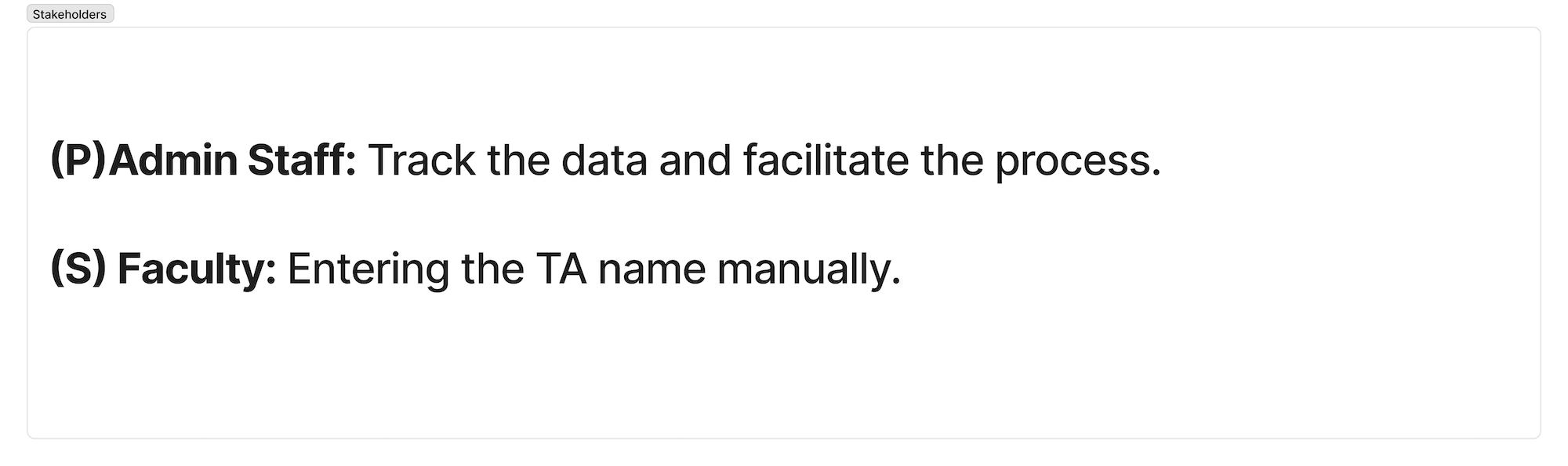
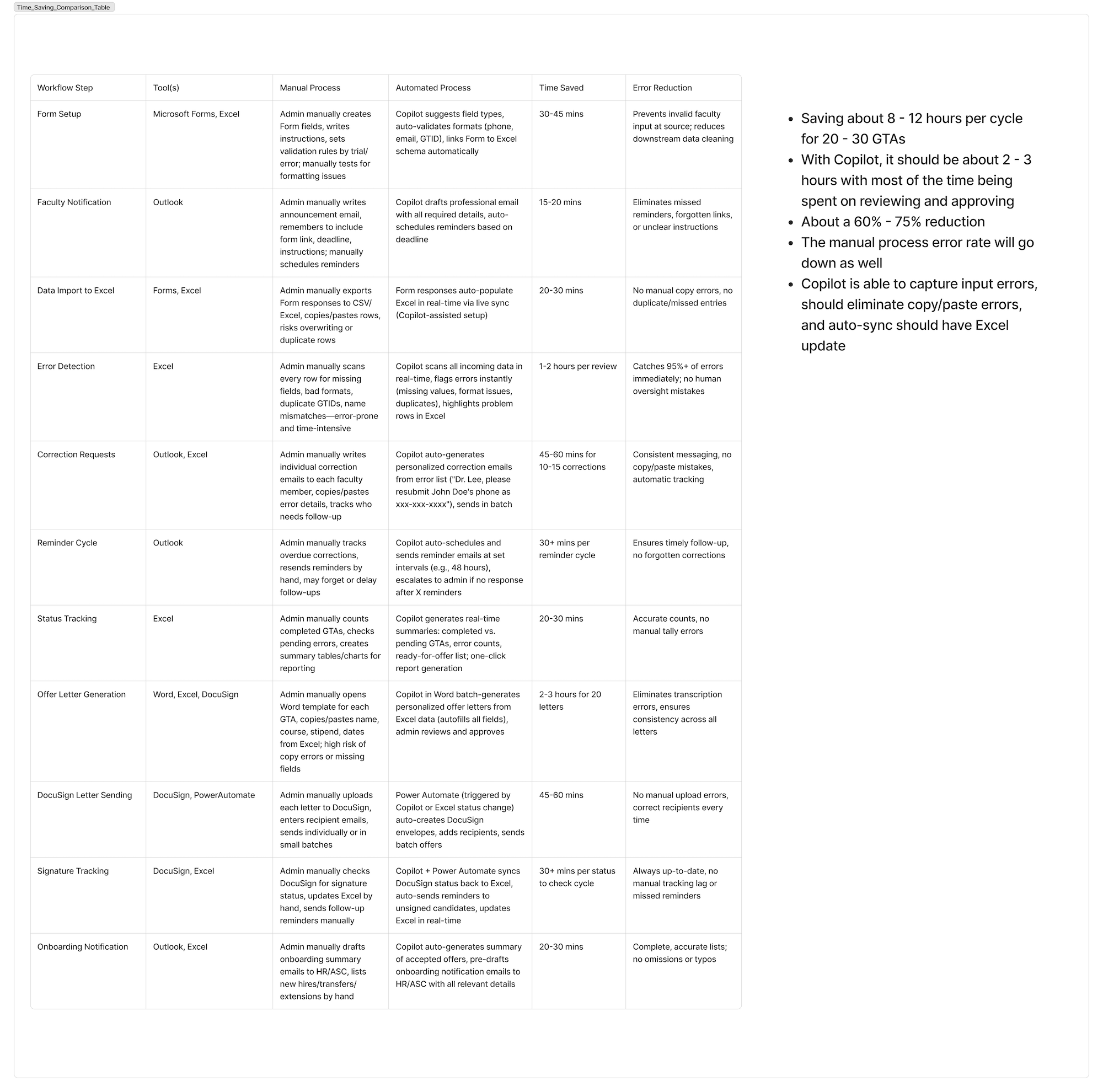
With 20-30 GTA hires per semester, small inefficiencies compounded into major time loss. Administrative staff spent 8-12 hours per hiring cycle on data entry and status tracking. The challenge wasn't just technical: ownership was unclear, stakeholders had conflicting needs, and previous automation attempts had failed because they didn't account for edge cases.
Contextual inquiry revealed the real workflow
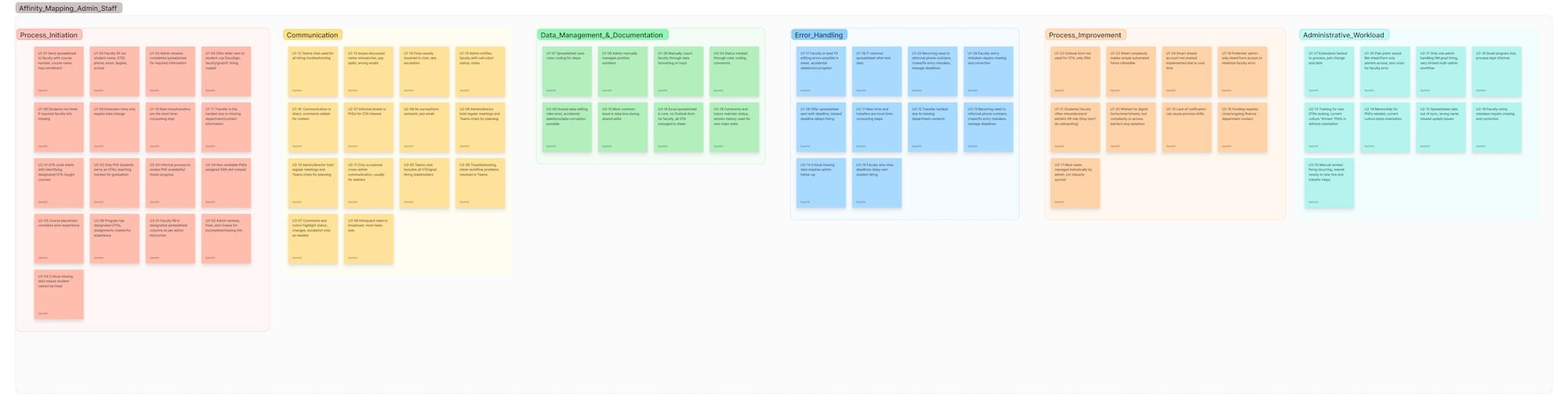
I ran 6 contextual inquiry sessions with administrative staff, observing their actual workflow rather than relying on how they described it. I also interviewed 8 stakeholders across faculty and admin roles and shadowed a complete 3-week hiring cycle.
Key Insights
Data re-entry was the error source
The same information was entered manually 4-5 times across systems. Staff spent more time verifying data than entering it. Implication: The system must capture data once at the source and propagate it automatically.
No one could see status without asking
Faculty had no way to check where an application stood. This generated dozens of status-check emails per cycle, adding overhead for admin staff who were already stretched. Implication: Status must be visible to all stakeholders without requiring manual updates.
Approval bottlenecks were invisible
Applications sat in email inboxes waiting for approval. Without visibility, delays weren't surfaced until they became urgent. Implication: The system must surface pending approvals and escalate automatically after a threshold.
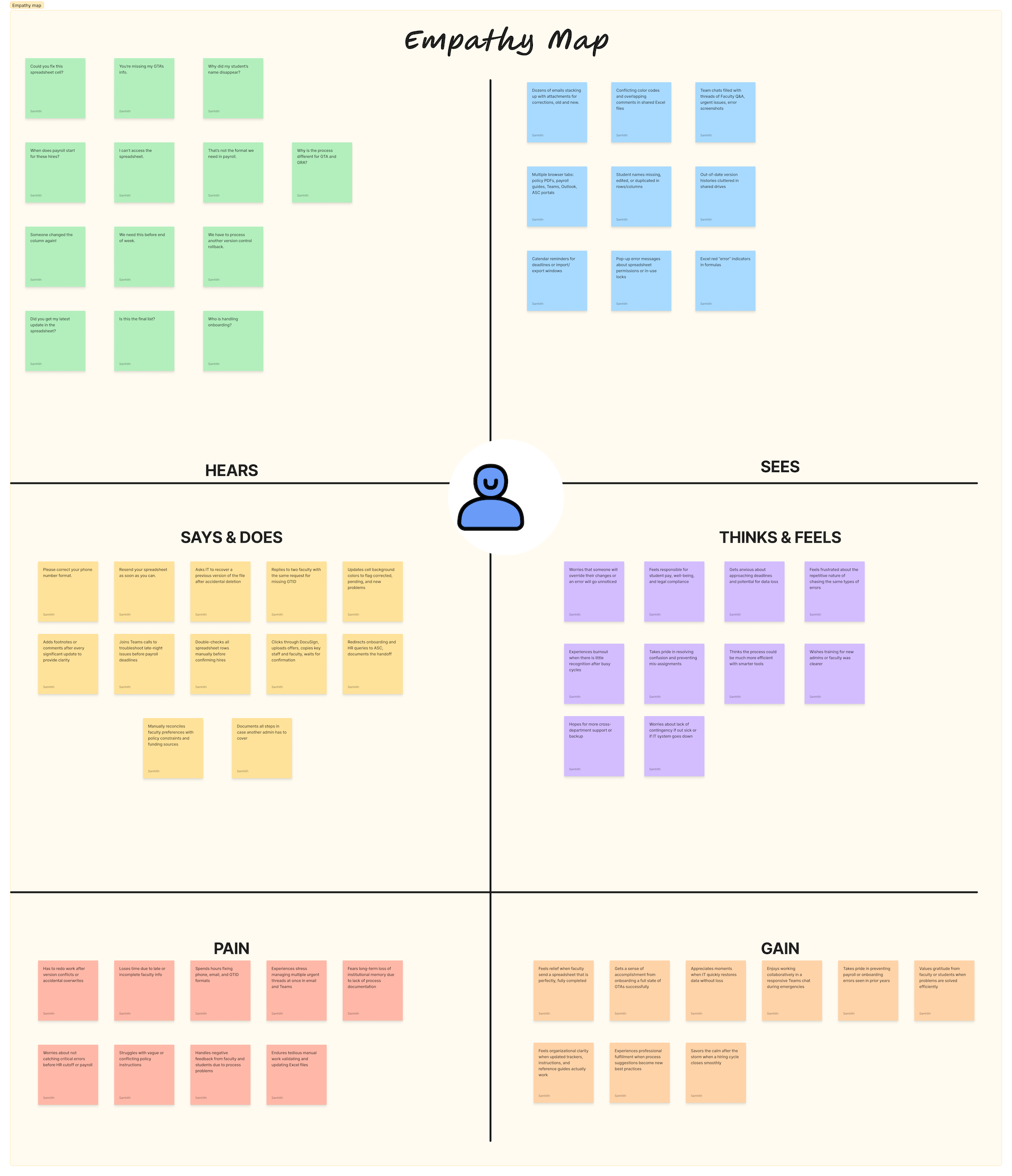
Empathy Mapping
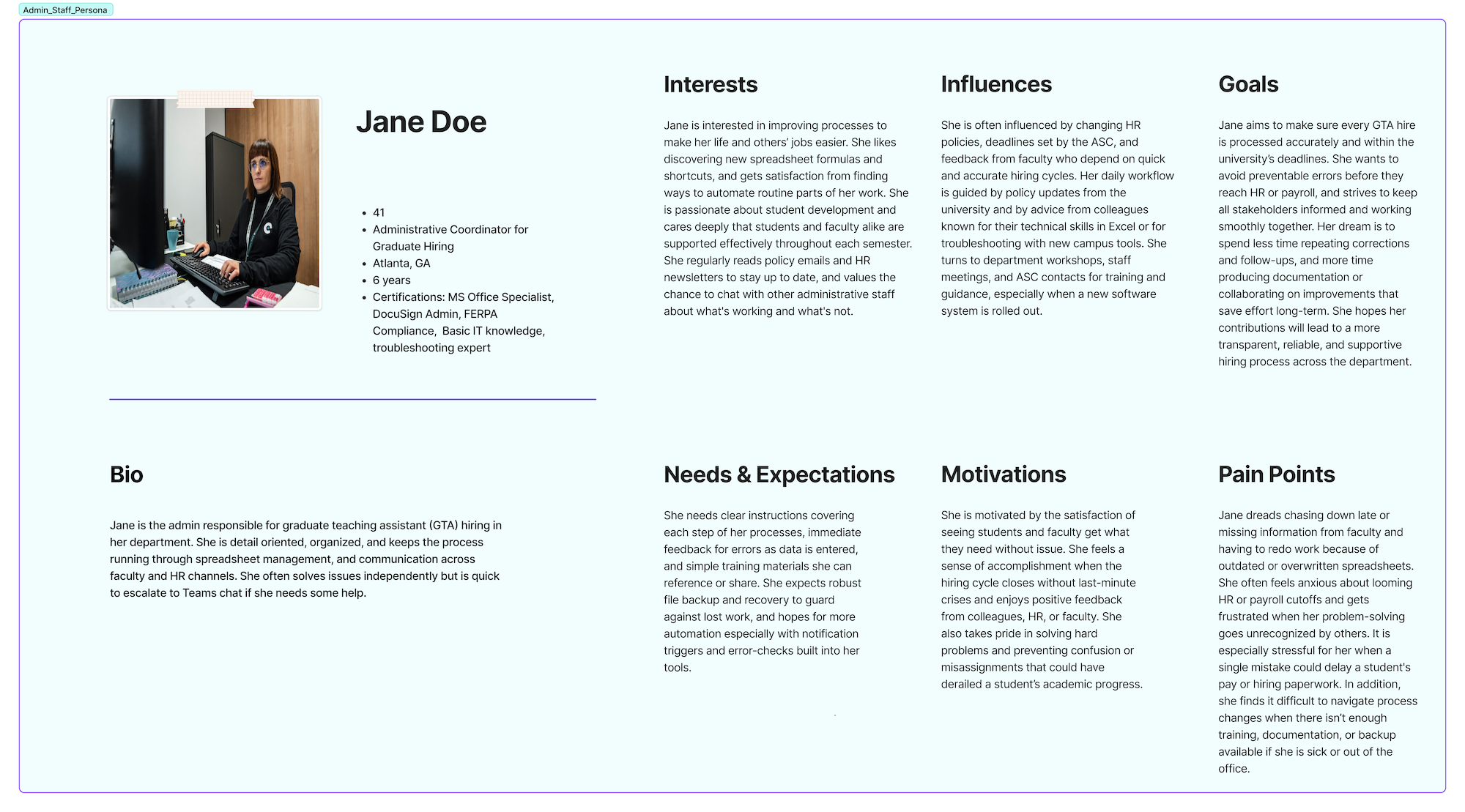
Synthesized administrative staff perspectives into an empathy map, capturing what users say, think, do, and feel during the hiring cycle. The frustration quadrant revealed emotional burden that wasn't visible in process documentation.
One pipeline, one data source, zero re-entry
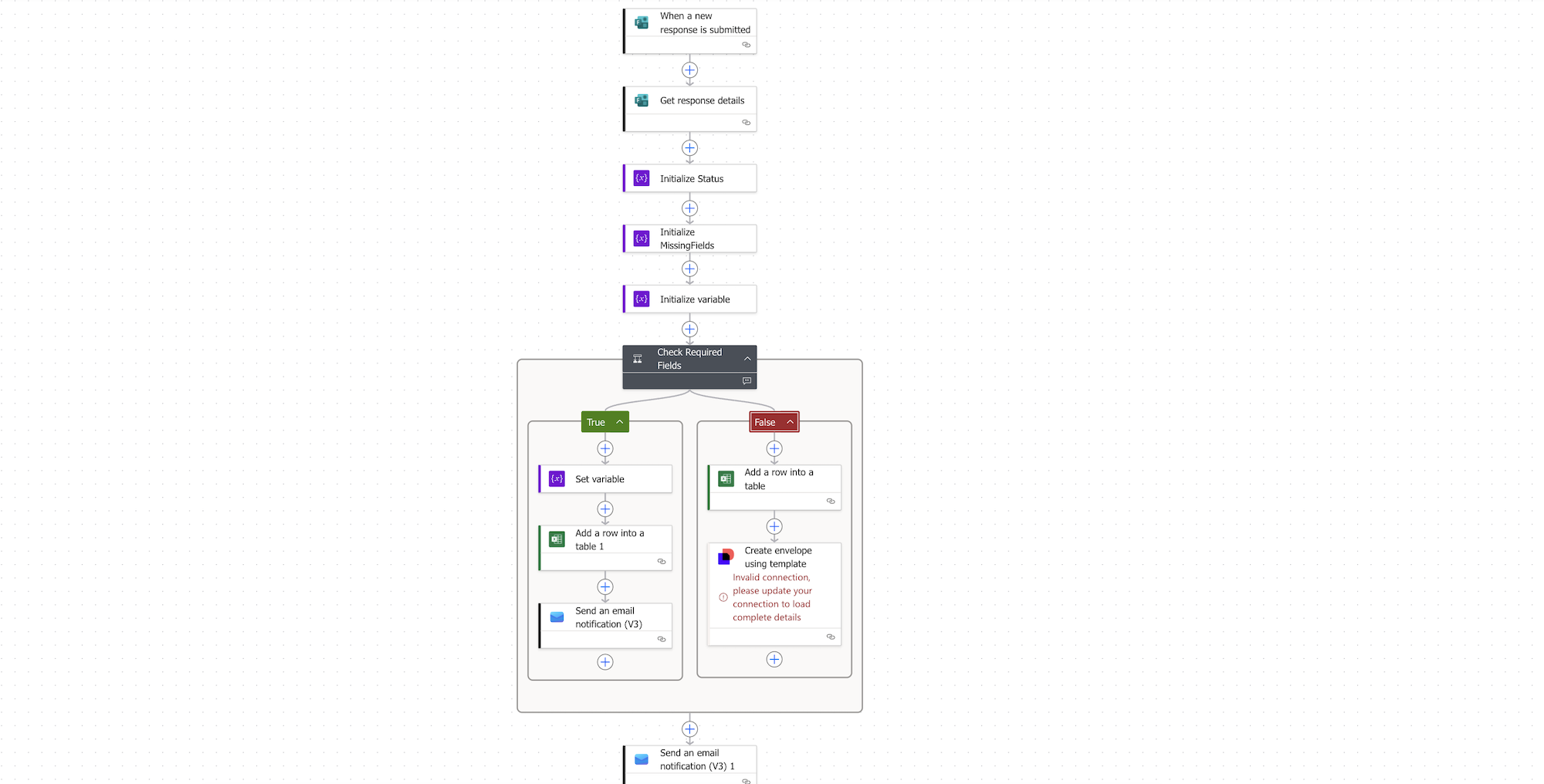
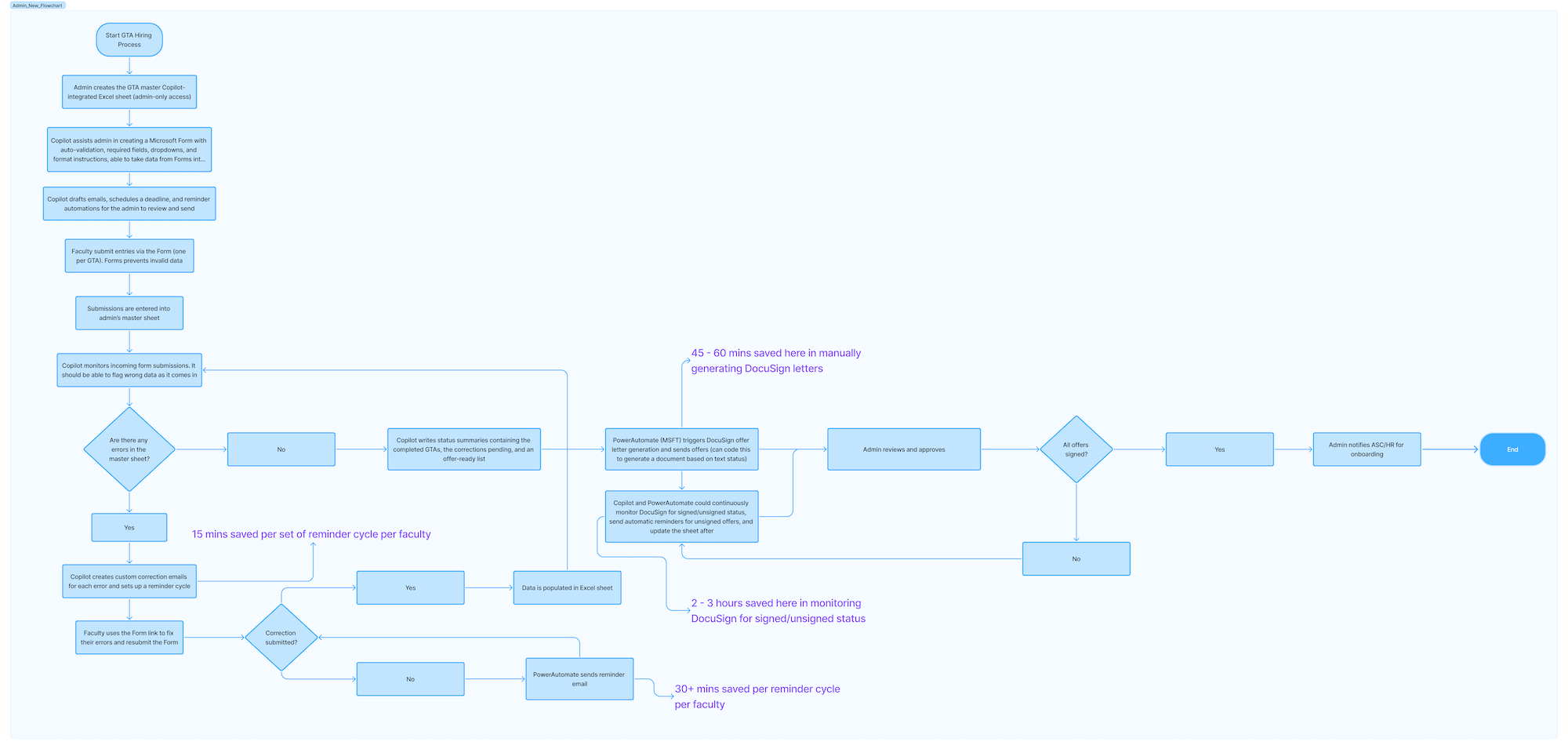
I designed and built an automated workflow using Power Automate integrated with SharePoint, Microsoft Forms, and DocuSign. Data enters the system once via a structured form. From there, it flows through approval, offer generation, and onboarding without manual transfer.
Validation at entry
Format checks and required fields catch errors at the source, not downstream. Directly addresses Insight 01: if data only enters once, it only needs to be correct once.
Real-time status dashboard
Faculty and admin staff see application status without email. Eliminates the status-check overhead identified in Insight 02.
Automated offer letters
When faculty approves an applicant, DocuSign generates and sends the offer letter automatically. No manual document creation.
Approval escalation
If an approval sits untouched for 48 hours, the system sends a reminder. After 72 hours, it escalates. Surfaces the hidden bottlenecks from Insight 03.
From 23 steps to automated flow
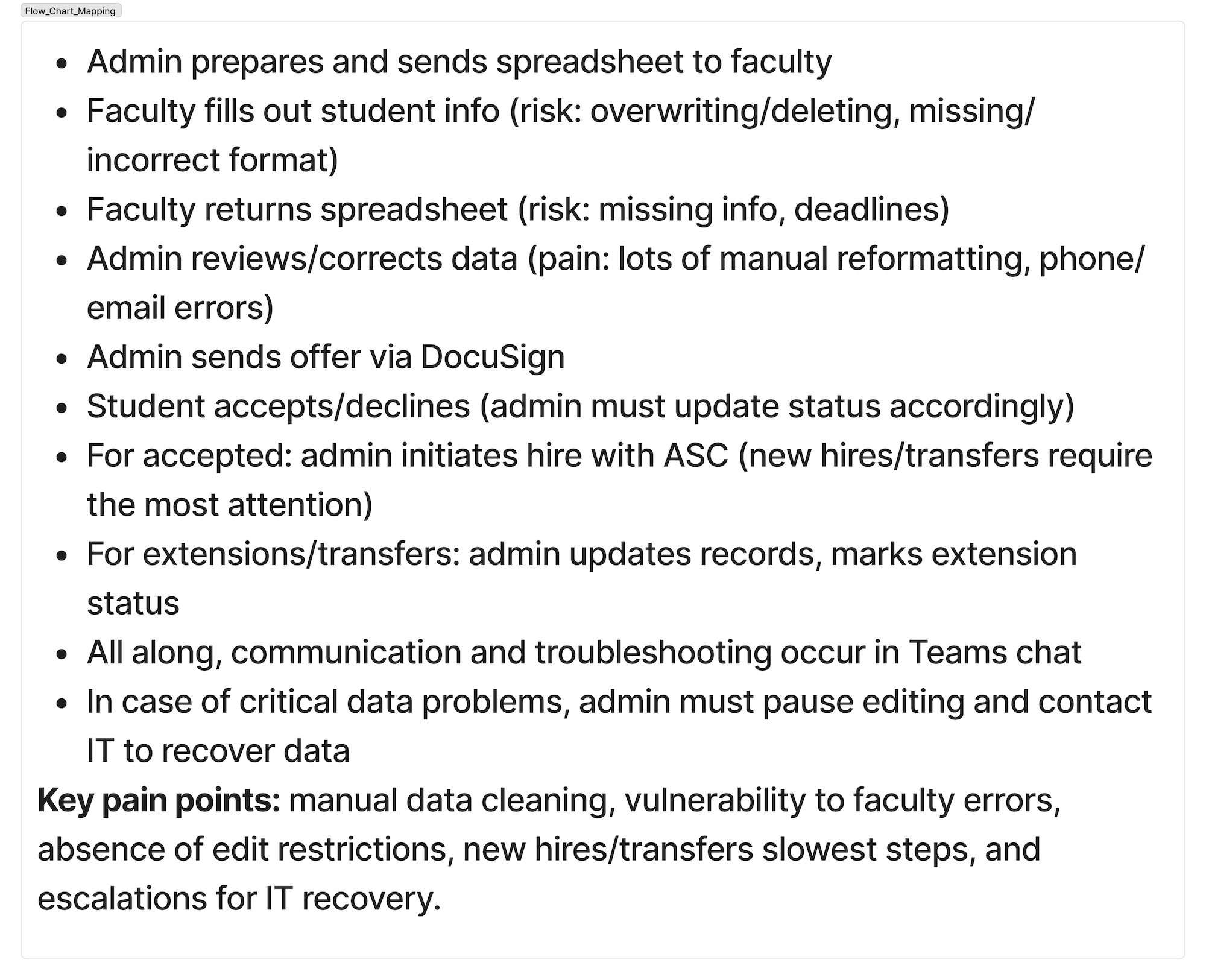
I mapped the existing workflow to find where data transferred between systems and where errors were introduced. The original process had 23 discrete steps with 7 different tools and at least 4 manual data transfers per applicant.
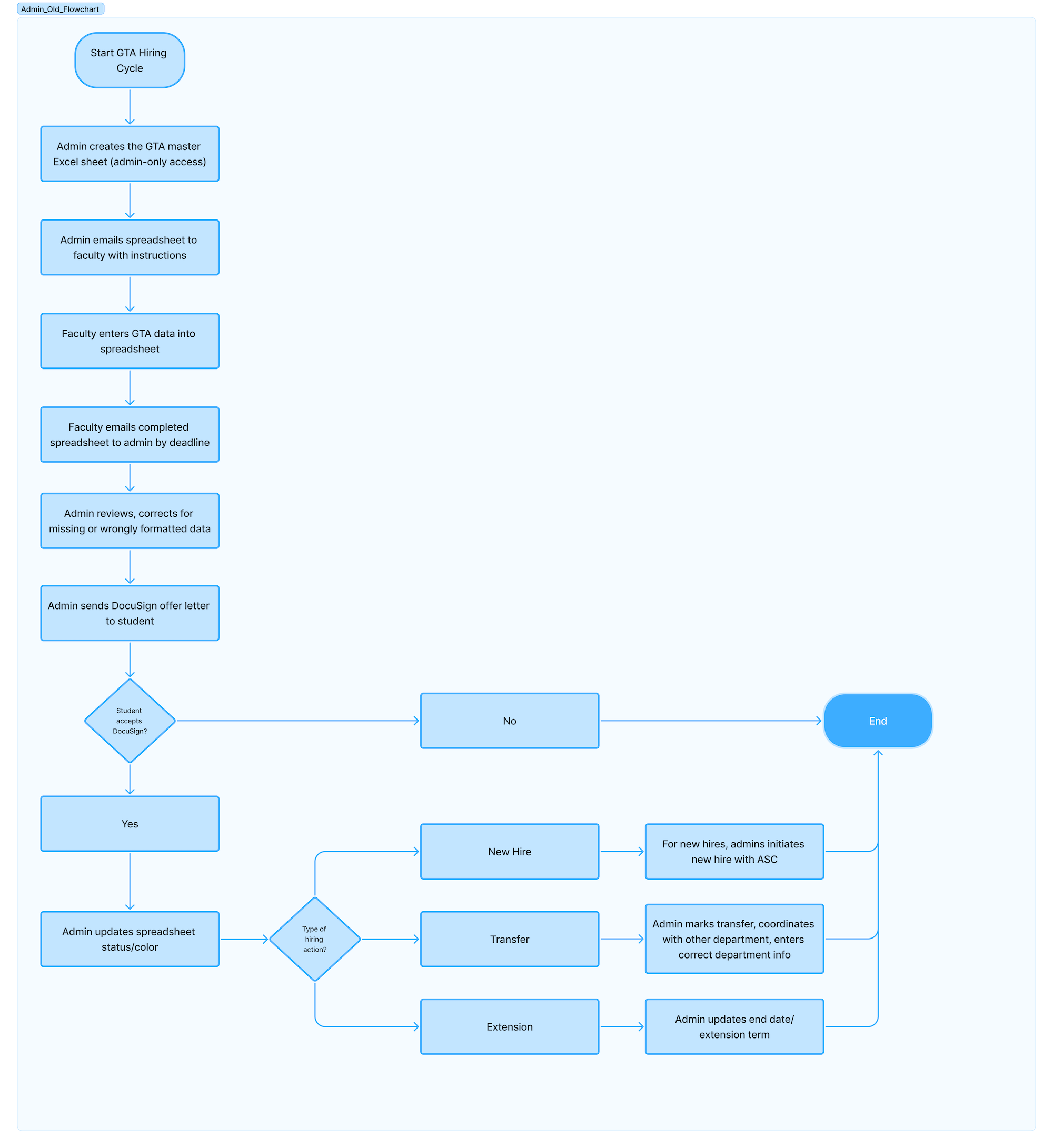
The redesigned process consolidates everything into a single pipeline. Data enters once and flows through to onboarding without re-entry.
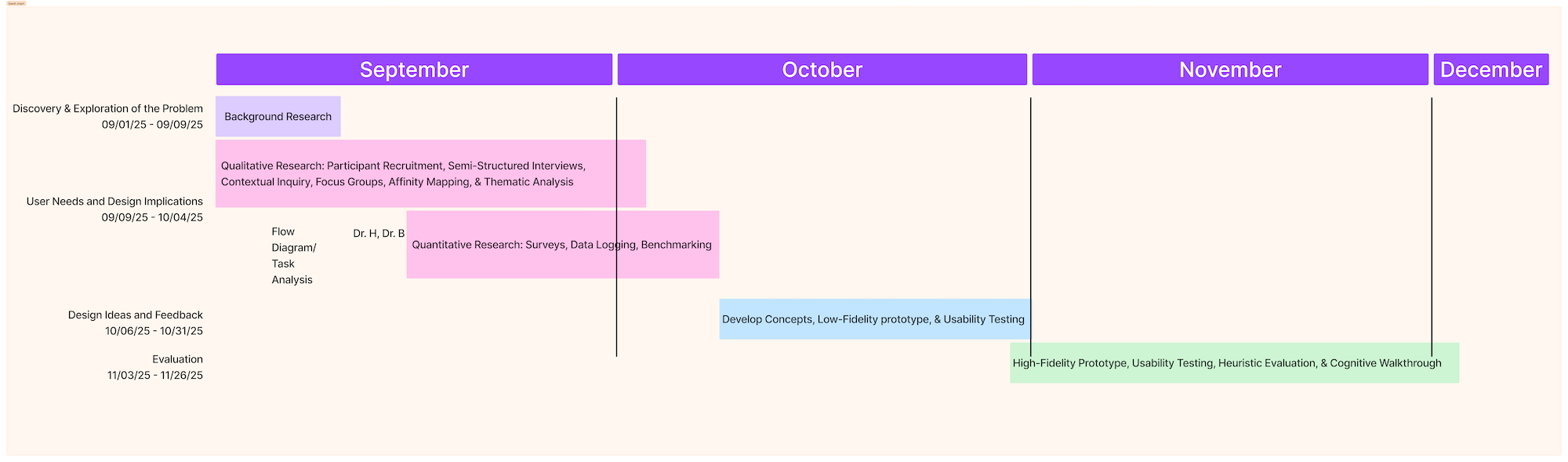
Project Timeline
The project followed a structured timeline from discovery through deployment, with key milestones for research synthesis, prototype testing, and phased rollout.
Aligning stakeholders on the pain
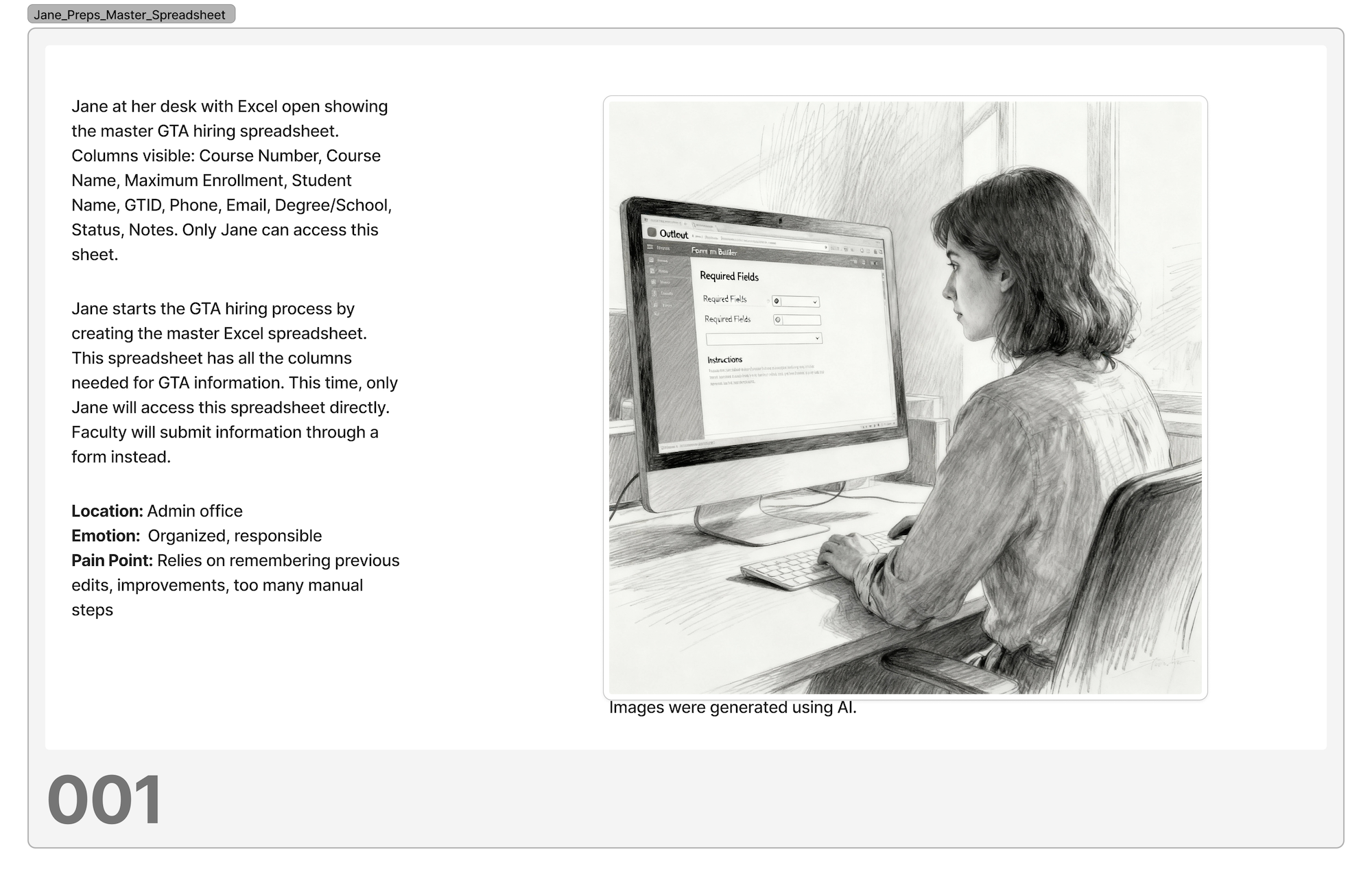
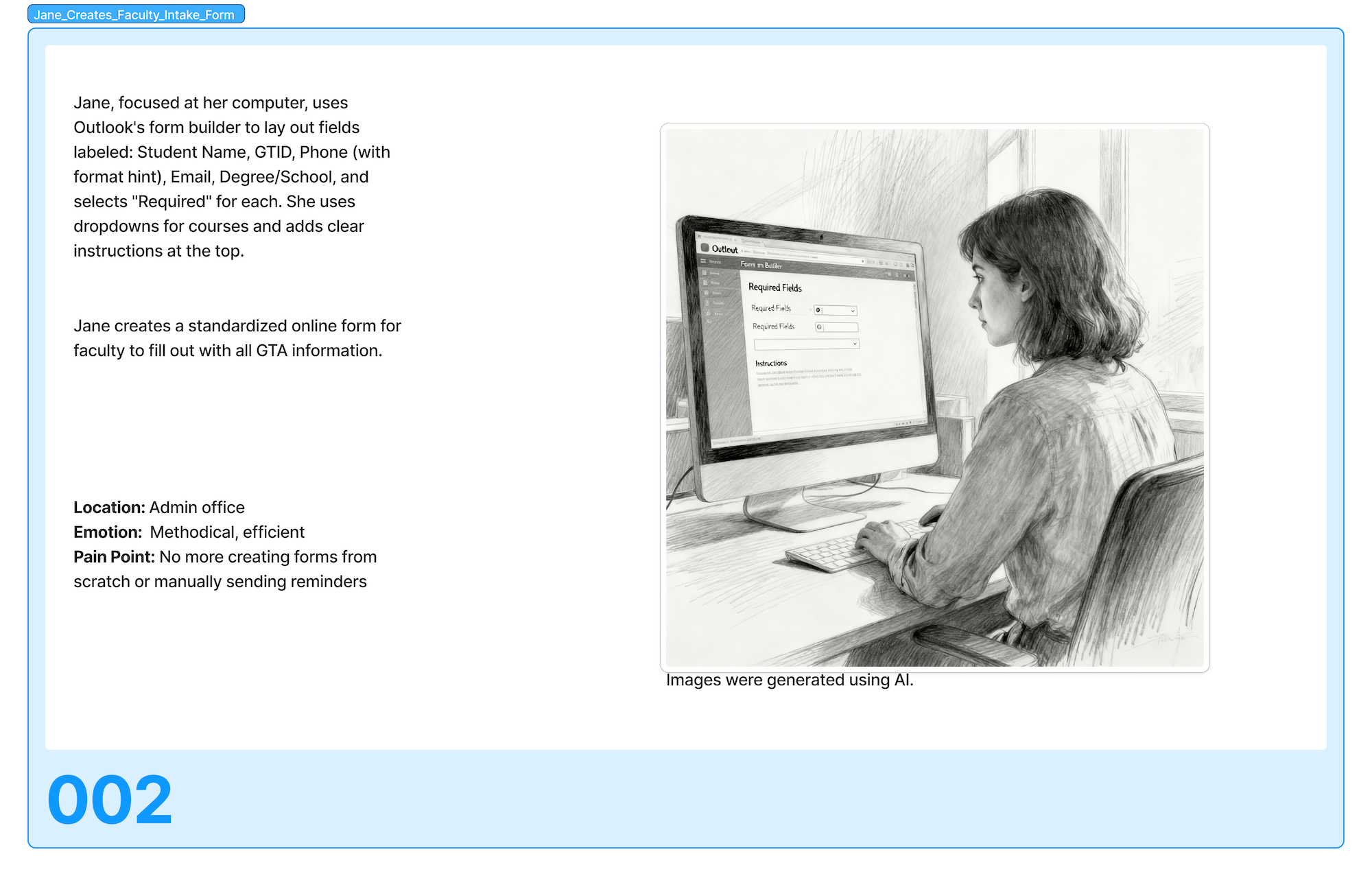
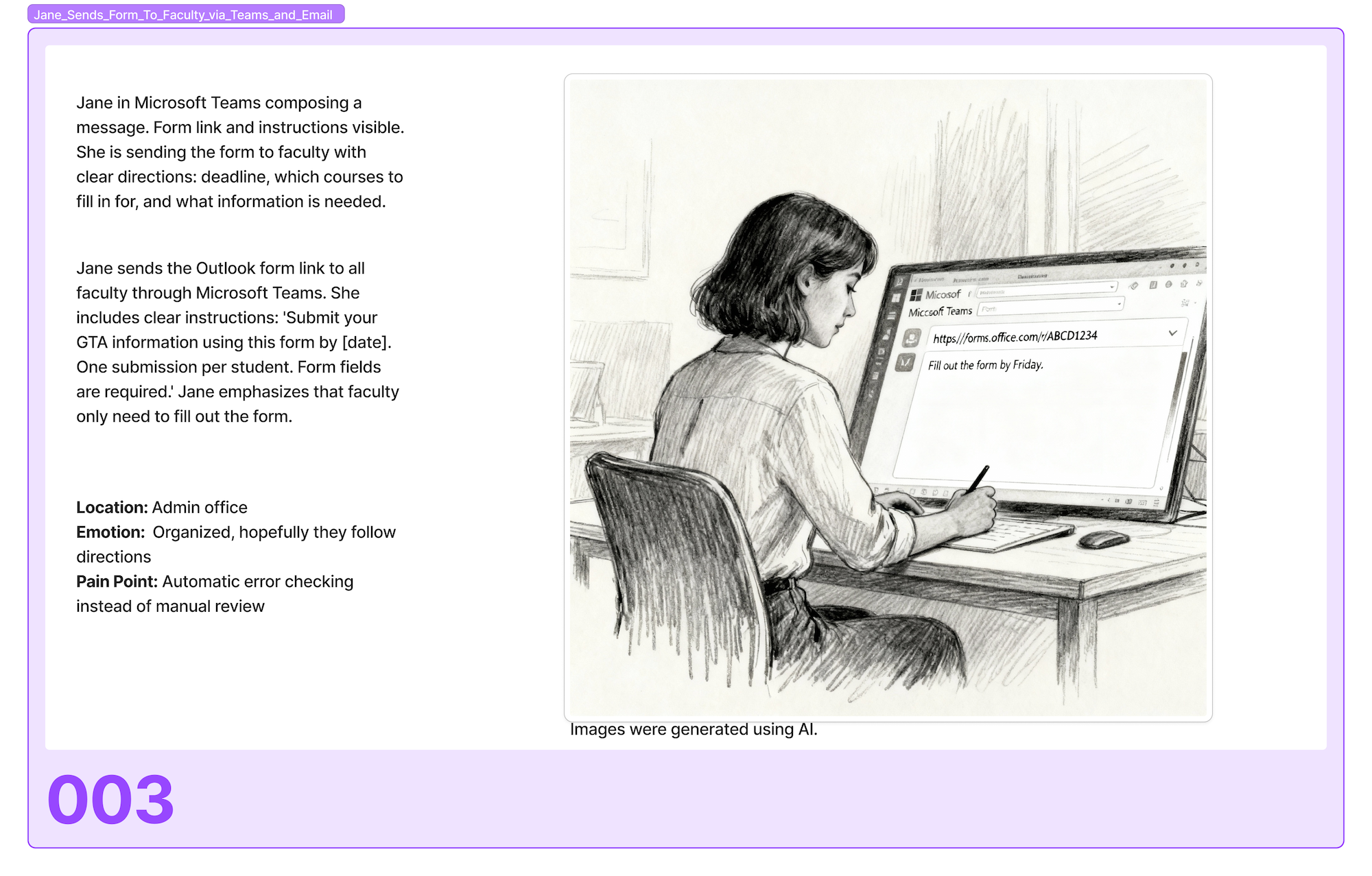
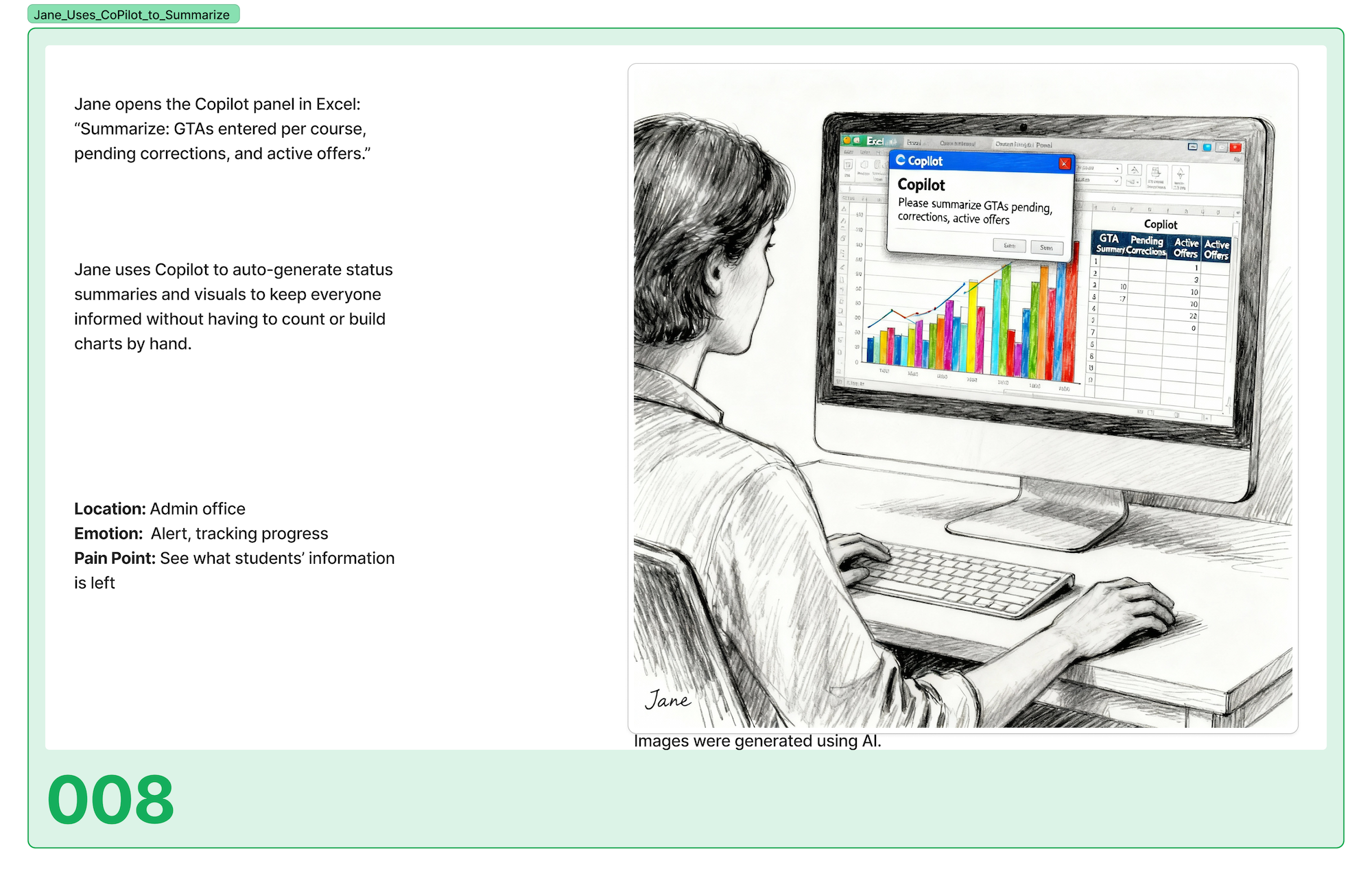
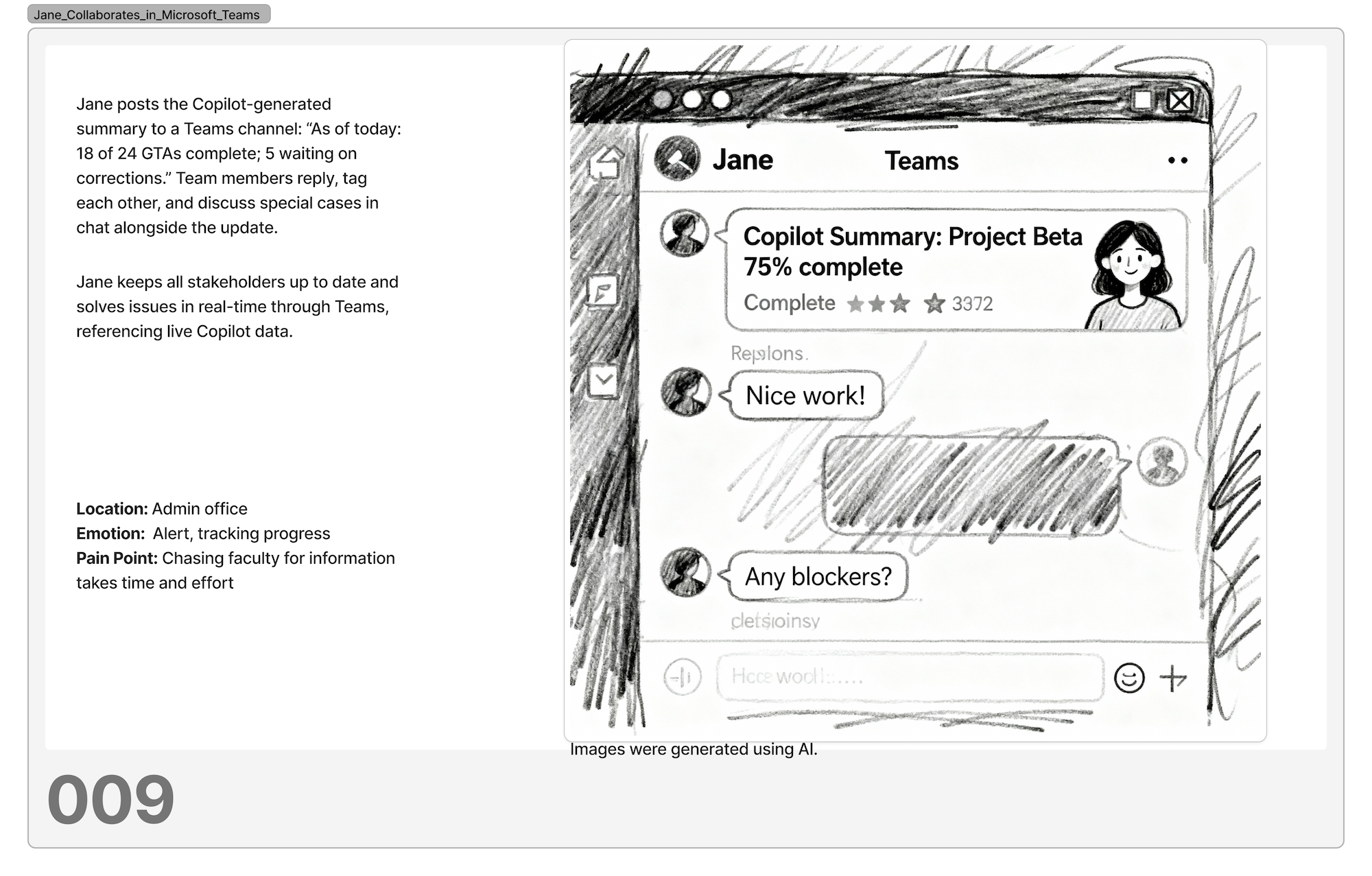
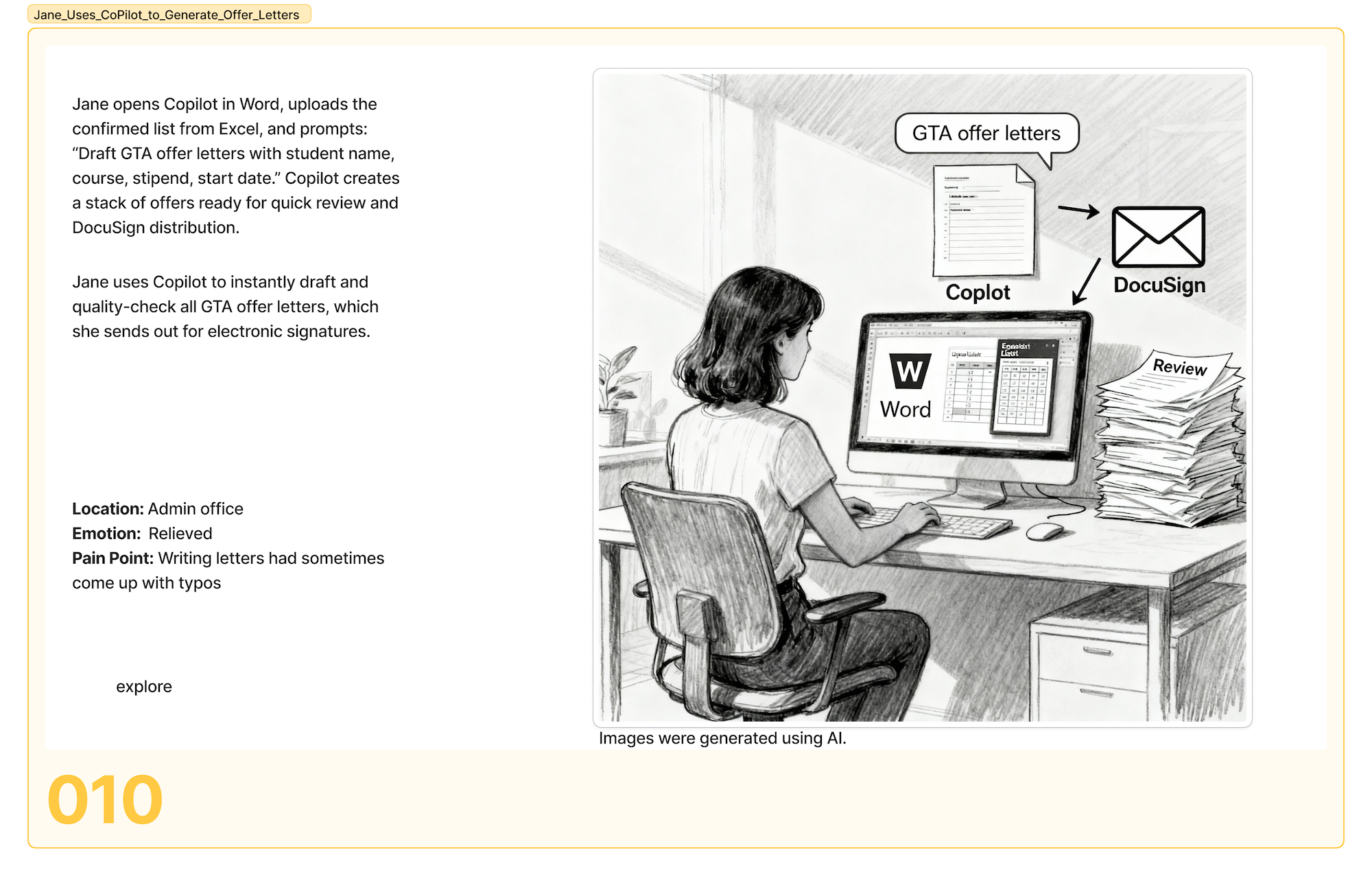
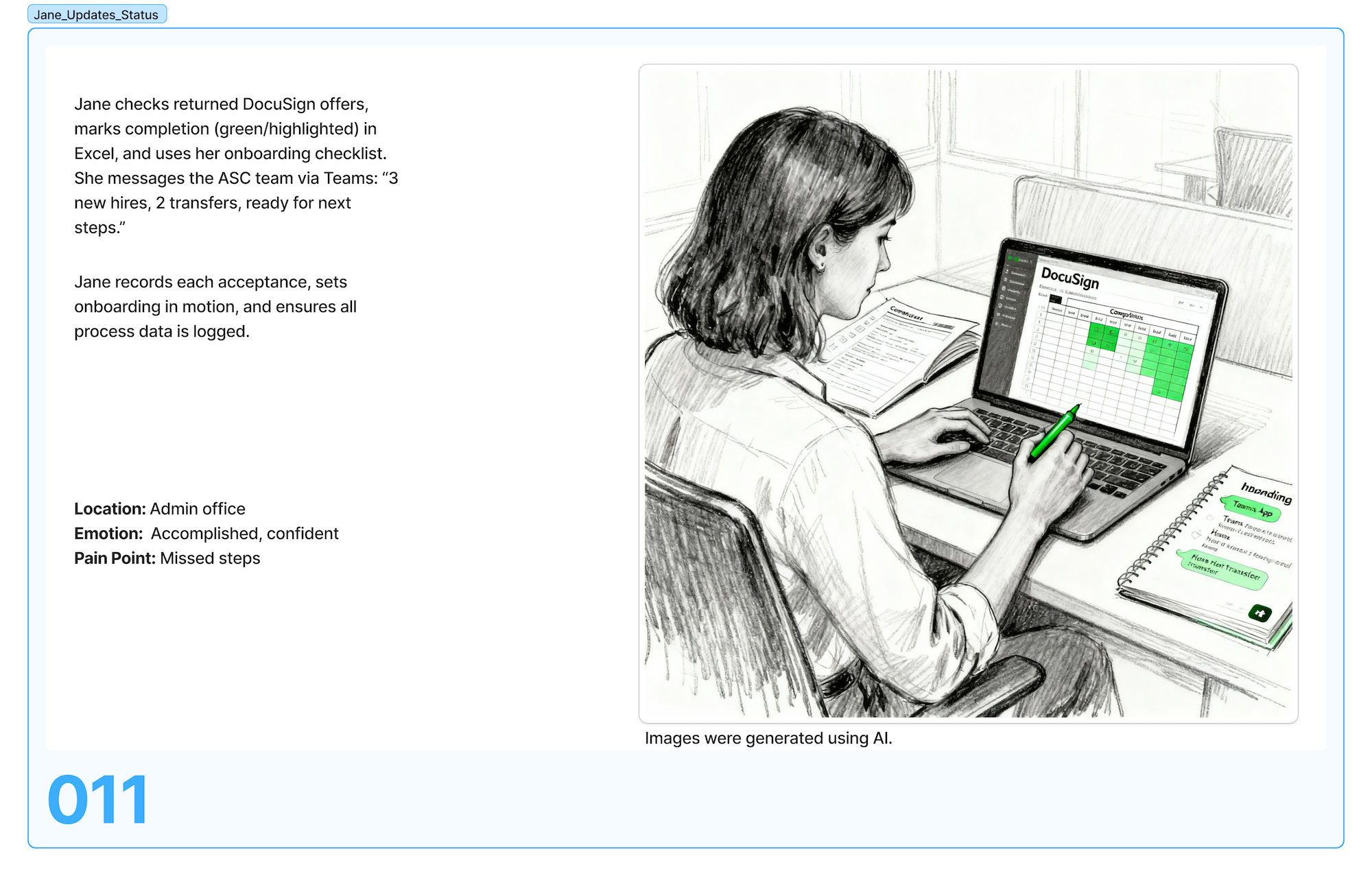
I used storyboards to get buy-in from faculty and department heads who hadn't seen the administrative side of hiring. Showing the coordinator's experience, copying data between windows, fielding status emails, chasing down approvals, made the problem concrete for decision-makers who only saw the final outcome.
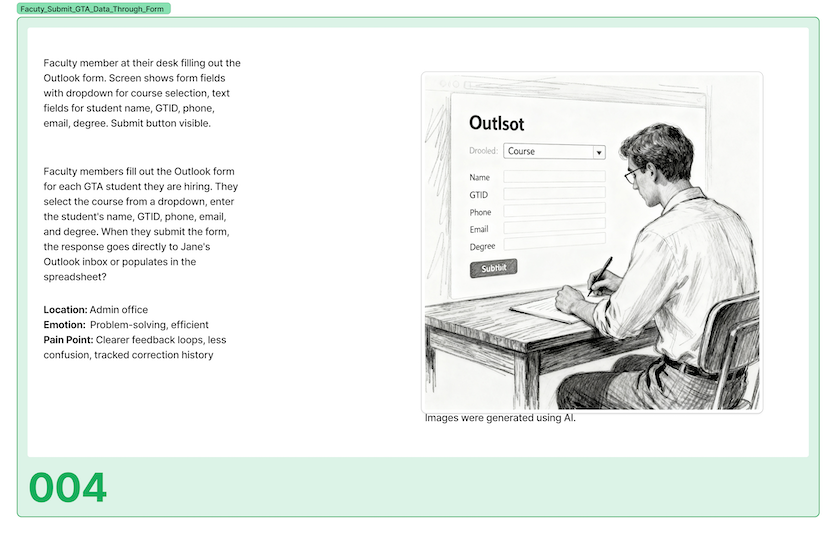
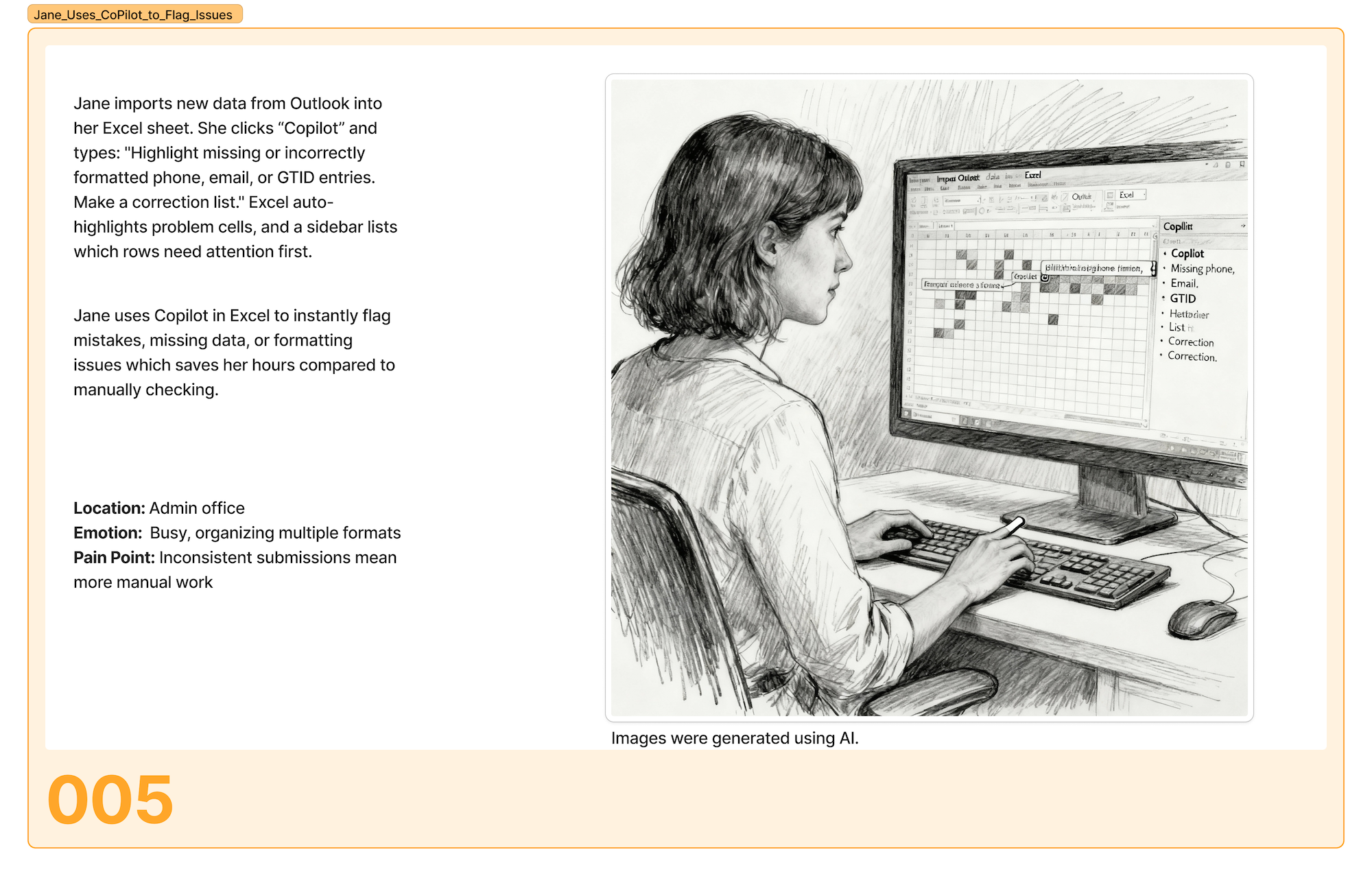
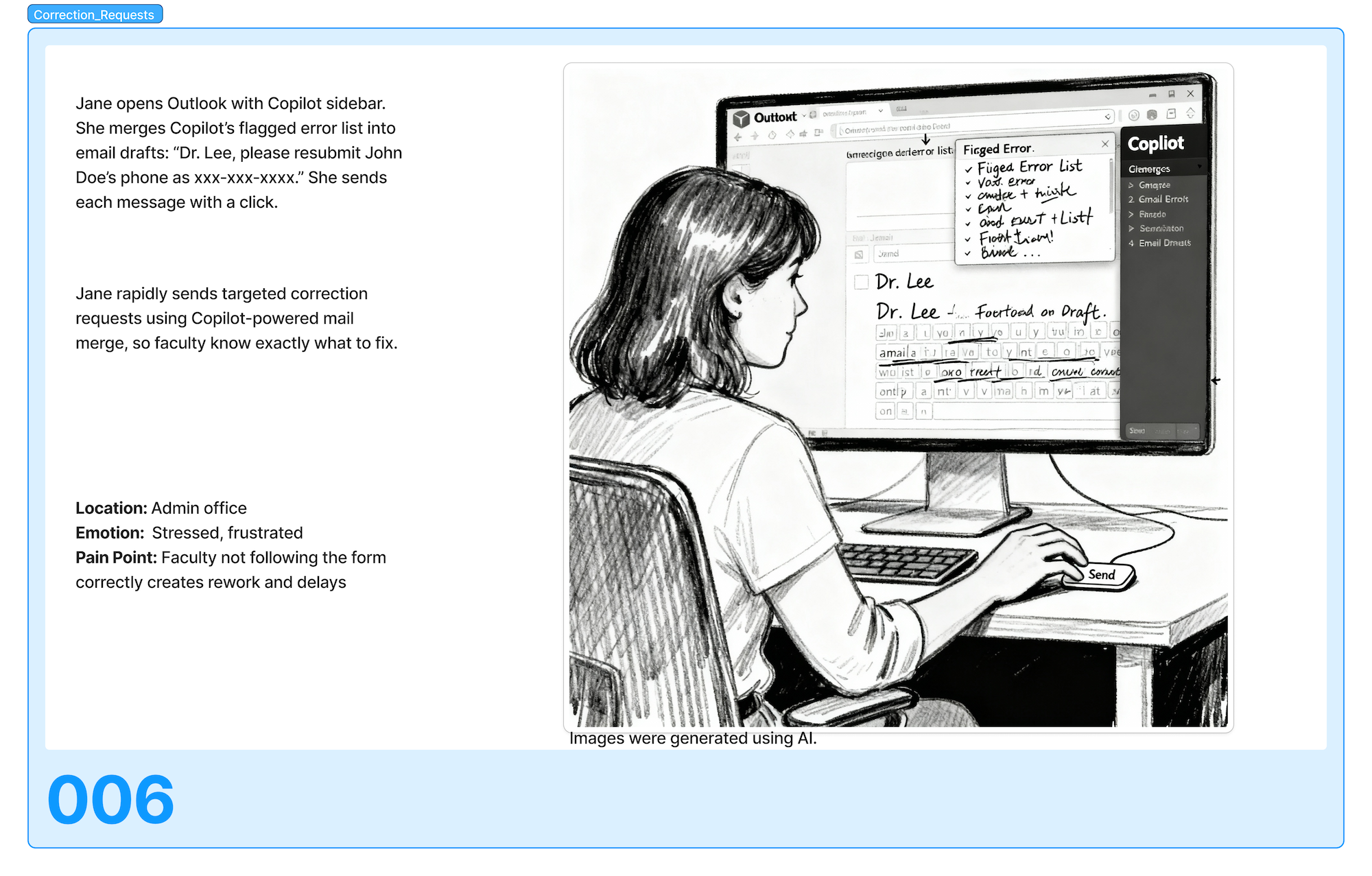
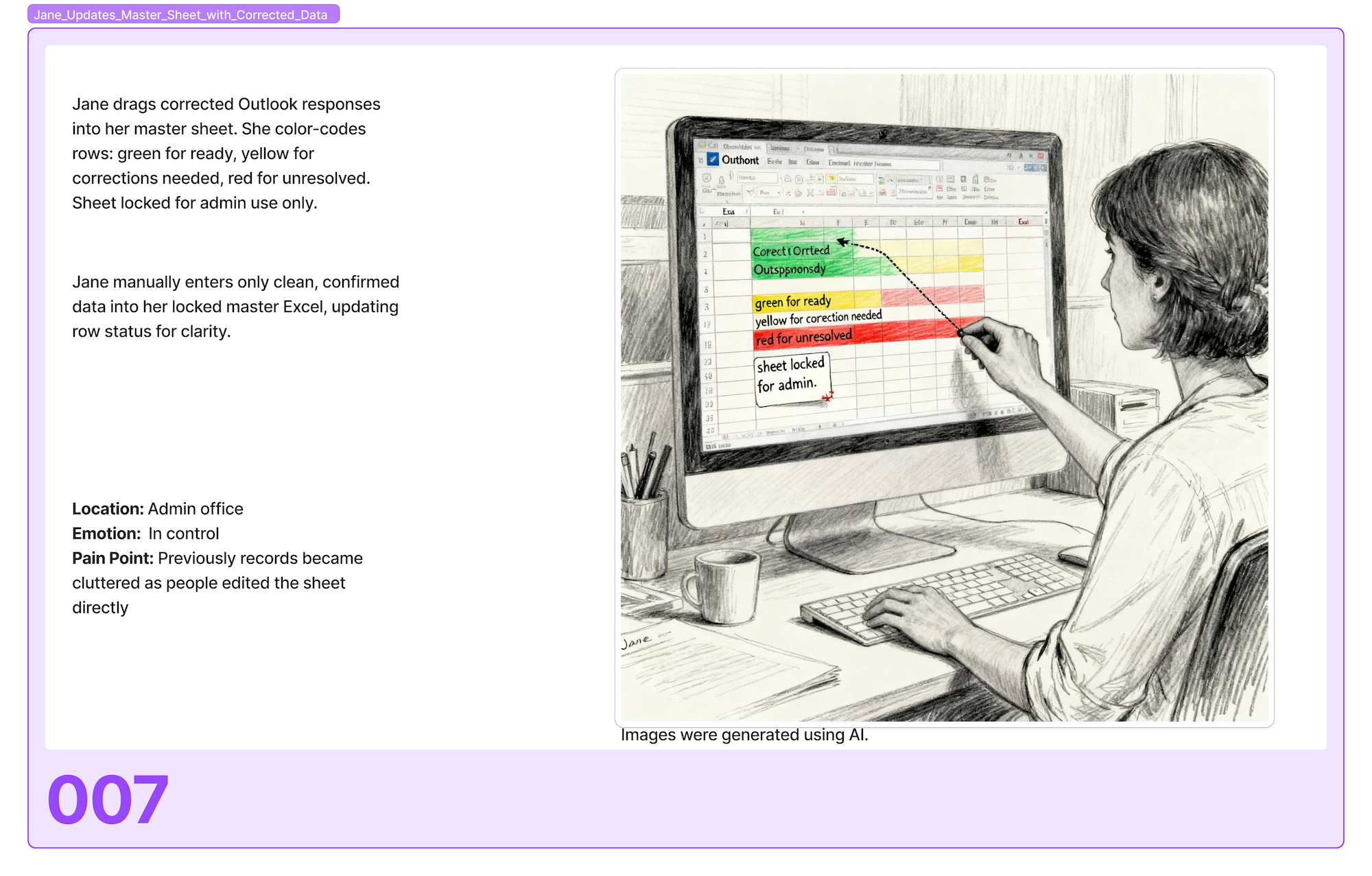
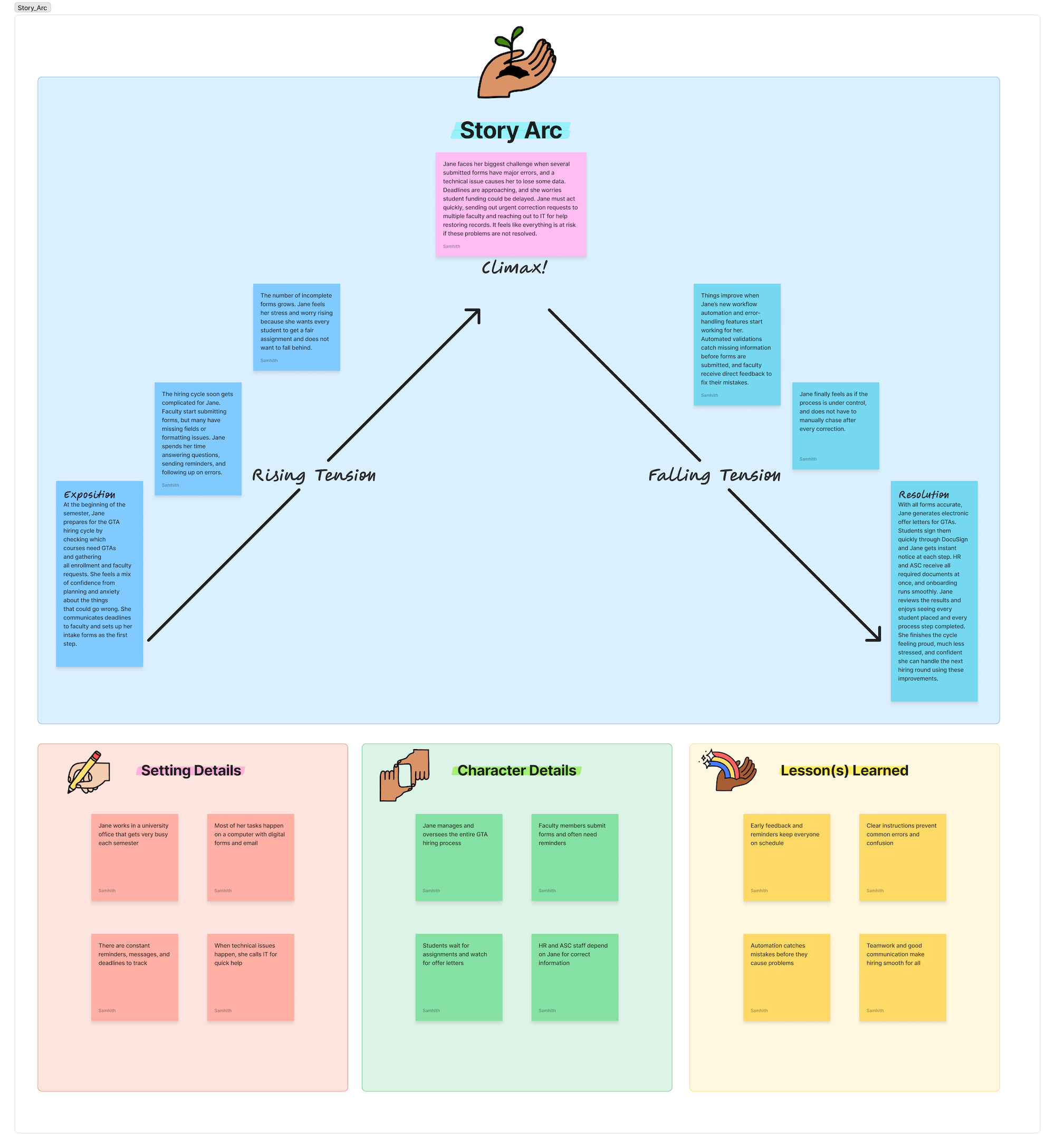
Story Arc
Mapped the emotional journey of administrative staff through the hiring cycle. The arc revealed peak frustration points at data transfer steps and approval bottlenecks, informing where automation would have the highest impact.
Measured against the previous 3 semesters
The system launched for the Spring 2026 hiring cycle. Results were compared against error rates and time tracking from the previous three semesters.
"I haven't had to send a single status-check email this cycle. I can just look.", Faculty member
What I learned
-
Process change is harder than technical change
Building the automation was straightforward. Getting people to trust it required a phased rollout, visible wins, and letting skeptics keep their old workflow in parallel until they saw the new one working.
-
Observation reveals what interviews hide
In interviews, staff described an 8-step process. In observation, I counted 23 steps. The difference was all the workarounds and undocumented fixes that had become invisible through repetition.
-
Edge cases are where automation breaks
The happy path was easy. The exceptions, mid-cycle cancellations, late additions, manual overrides for unusual cases, were where real complexity lived. Building for these upfront prevented the "it works except when it doesn't" problem that killed previous attempts.